
 September 16, 2022 | Posted By Hayley March
Introduction to Color Codes video lessons bring computer science to any classroom! Each lesson contains a full lesson plan, with a student-facing instructional video, with flexibility to teach in person or remote. All of the lessons are aligned with CSTA and ISTE standards, so you can ensure your students in grades K-12 are gaining the 21st century skills they’ll need to create the future!
These lessons are designed for all educators and students; no coding or CS experience needed. They’re the perfect place to start if:
- You’re looking to build foundational CS skills
- You want an introduction to Ozobot basics, before moving on to content-integrated Ozobot lessons in math, ELA, science, and more
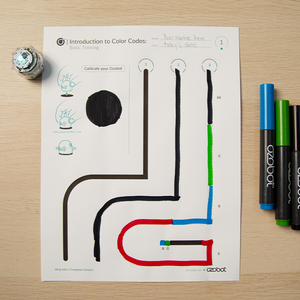
Introduction to Color Codes 01: Basic Training
Grades: K-12
Computer Science
Students will discover the basics about how to use Evo: turning on/off, calibrating, drawing lines, and programming with Color Codes.
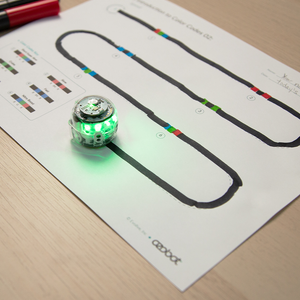
Introduction to Color Codes 02: Speed
Grades: K-12
Computer Science
Students will learn how to draw Color Codes to program Evo to change speed.
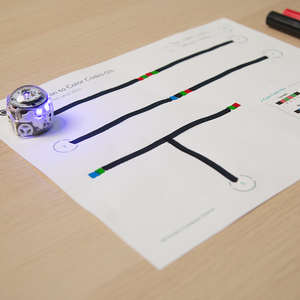
Introduction to Color Codes 03: Special Moves and Win
Grades: K-12
Computer Science
Students will learn how to draw Color Codes to program Evo to complete special moves.
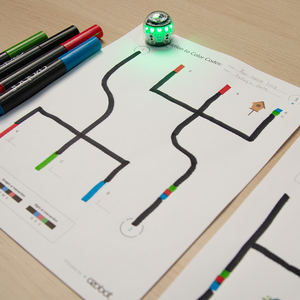
Introduction to Color Codes 04: Direction
Grades: K-12
Computer Science
Students will explore the random choice Evo makes at intersections when not programmed to turn a certain direction. They will also program their bot to turn a specific direction at intersections and gain experience using u-turn codes.
Introduction to Color Codes 05: Skills Check 1 (Grades K-2)
Grades: K-2
Computer Science
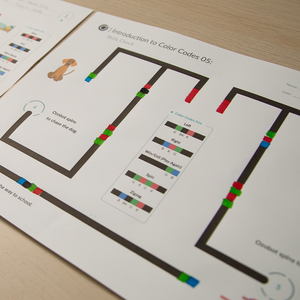
Students check their understanding of using Color Codes to program their bot to move in a set direction, change speed or complete a special move to show the actions in a sentence.
Introduction to Color Codes 05: Skills Check 1 (Grades 3-5)
Grades: 3-5
Computer Science
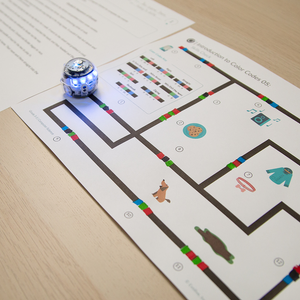
Students check their understanding of using Color Codes to program their bot to move in set directions, change speed, and complete special moves to show a sequence of events and move through a maze.
Introduction to Color Codes 06: Timers
Grades: 2-12
Computer Science
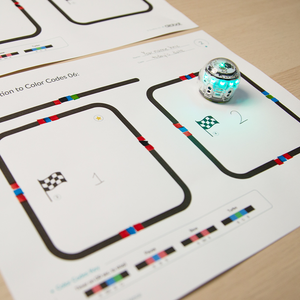
Students will learn Color Codes to program Evo to run and stop following a timer. They will also observe how speed and time are related when programming their bot to complete a task.
Introduction to Color Codes 07: Line Switch
Grades: 2-12
Computer Science
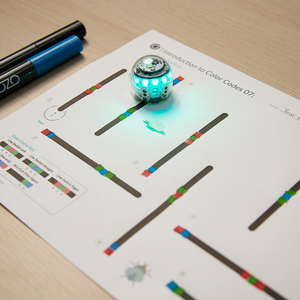
Students will learn Color Codes to program Evo to move in a set sequence to and from multiple lines that are not connected.
Introduction to Color Codes 08: Counters
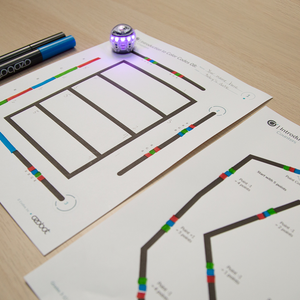
Grades: 3-12
Computer Science
Students will learn Color Codes to program Evo to count three things: intersections, turns at intersections, and changes in path color. Students will also learn how to use the Point Counter Color Codes.
Introduction to Color Codes 09: Skills Check 2 (Grades K-2)
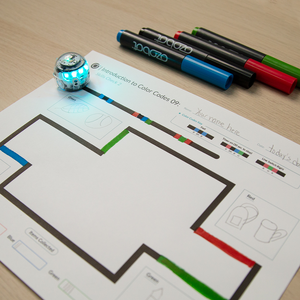
Grades: K-2
Computer Science
Students apply their understanding of Timers and Line Switch Color Codes to program Evo to complete a scavenger hunt.
Introduction to Color Codes 09: Skills Check 2 (Grades 3-5)
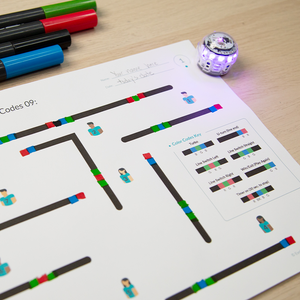
Grades: 3-5
Computer Science
Students check their understanding of using Color Codes to program their bot to run on a timer and switch lines to mimic playing soccer and scoring a goal.
Introduction to Color Codes 09: Skills Check 2 (Grades 6-12)
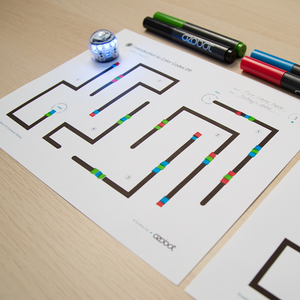
Grades: 6-12
Computer Science
Students will use the Timer, Speed, and Line Switch Color Codes to complete a maze of disconnected lines in less than thirty seconds. As an optional extension, students will use the Point Counter Color Codes to solve a number puzzle.
Comments (0)